
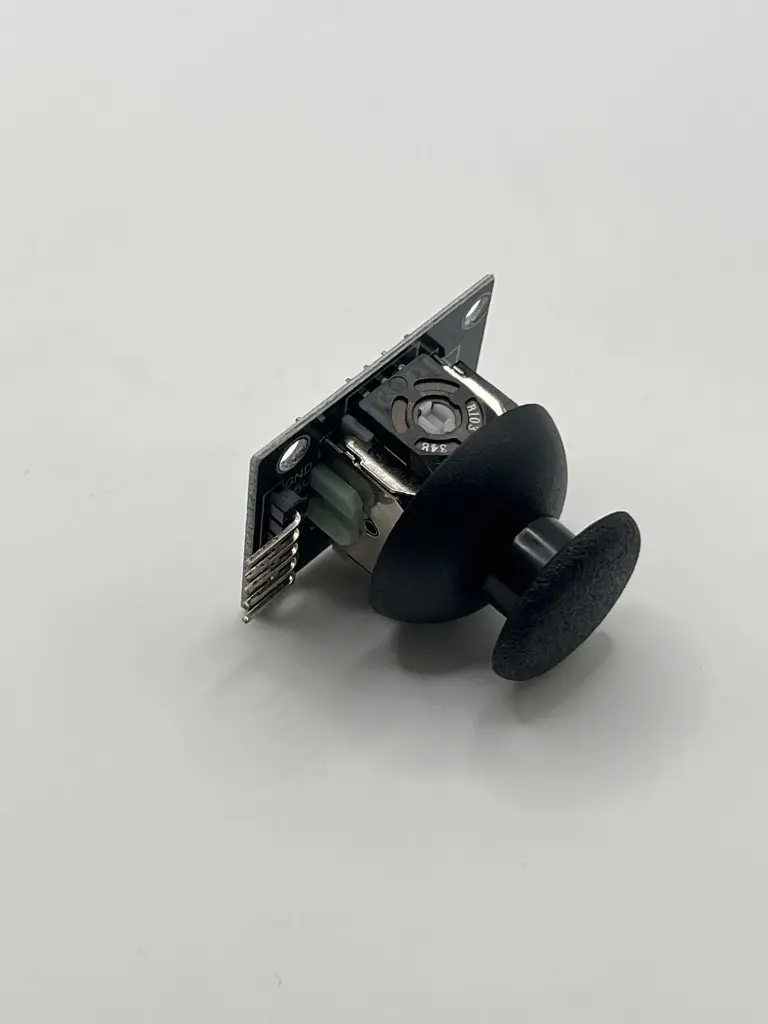
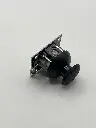
Joystick
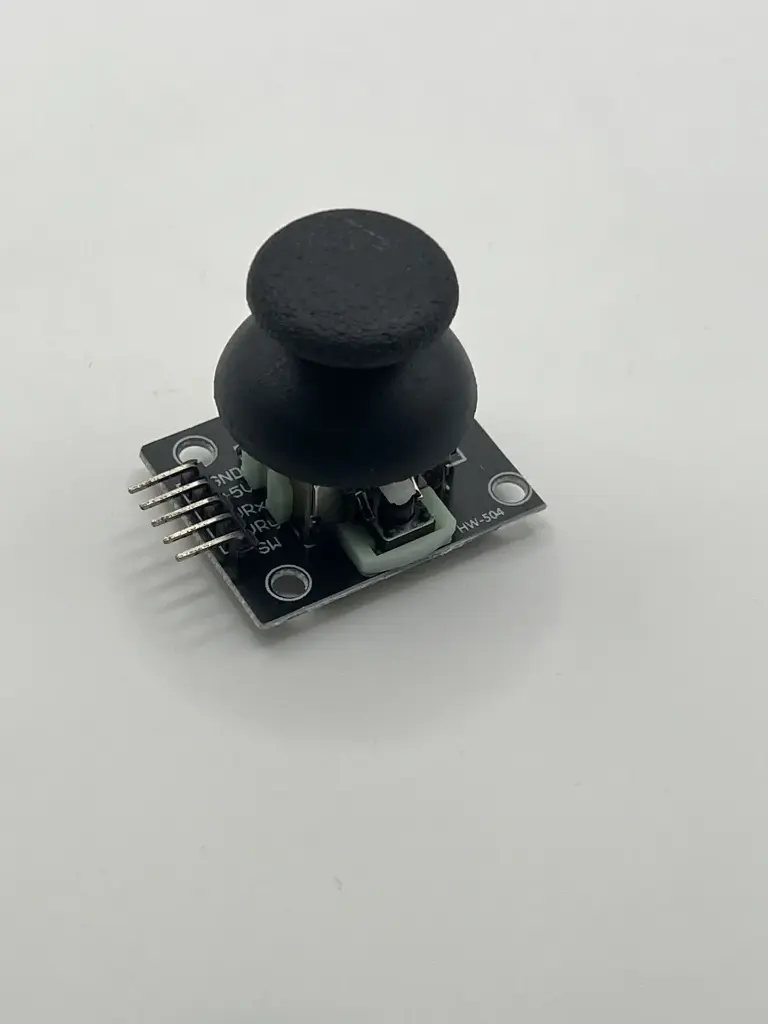
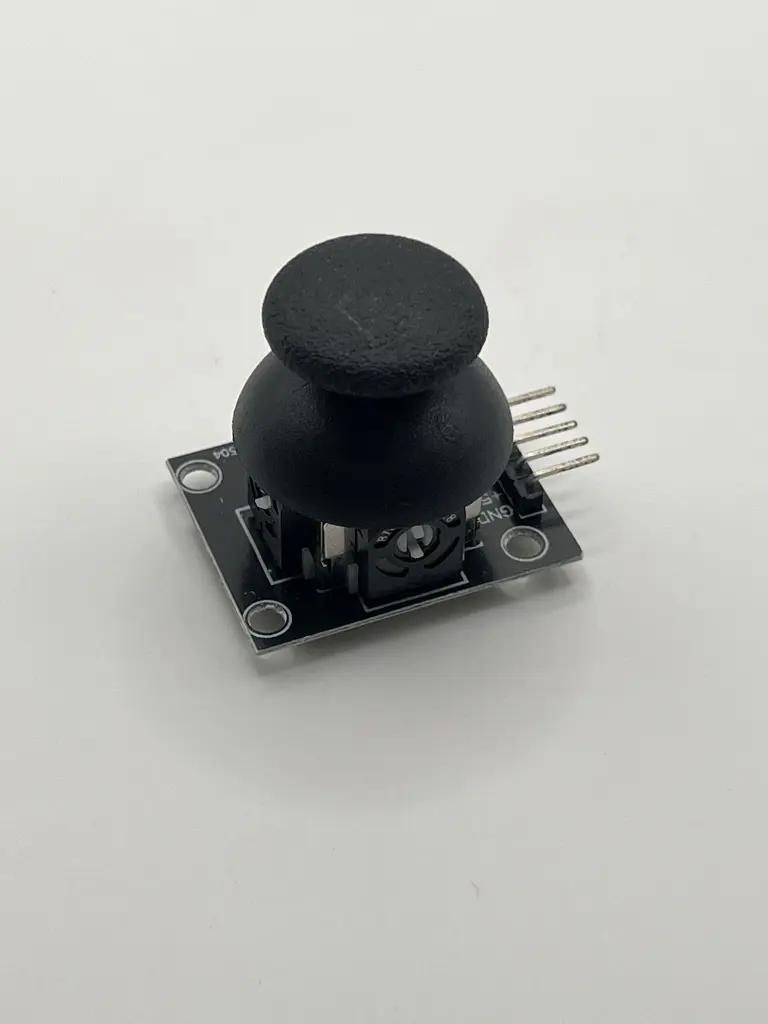
A joystick is an input device used to control movements or selections in electronic systems, such as video games, robotics, and computer applications. It consists of a stick that can be moved in various directions and is often equipped with buttons or switches to provide additional input options.
Key Features:
- Typically includes two axes (X and Y) for directional control
- May include a Z-axis or additional rotary controls
- Often features built-in push-button switches
- Analog output for variable input
- Compact and easy to integrate into various devices and systems
- Axis Control: X-axis, Y-axis (and sometimes Z-axis)
- Output Type: Analog (typically provides a variable voltage output corresponding to the stick's position)
- Range: Typically 0-5V or 0-3.3V
- Switches: Often includes one or more push-button switches
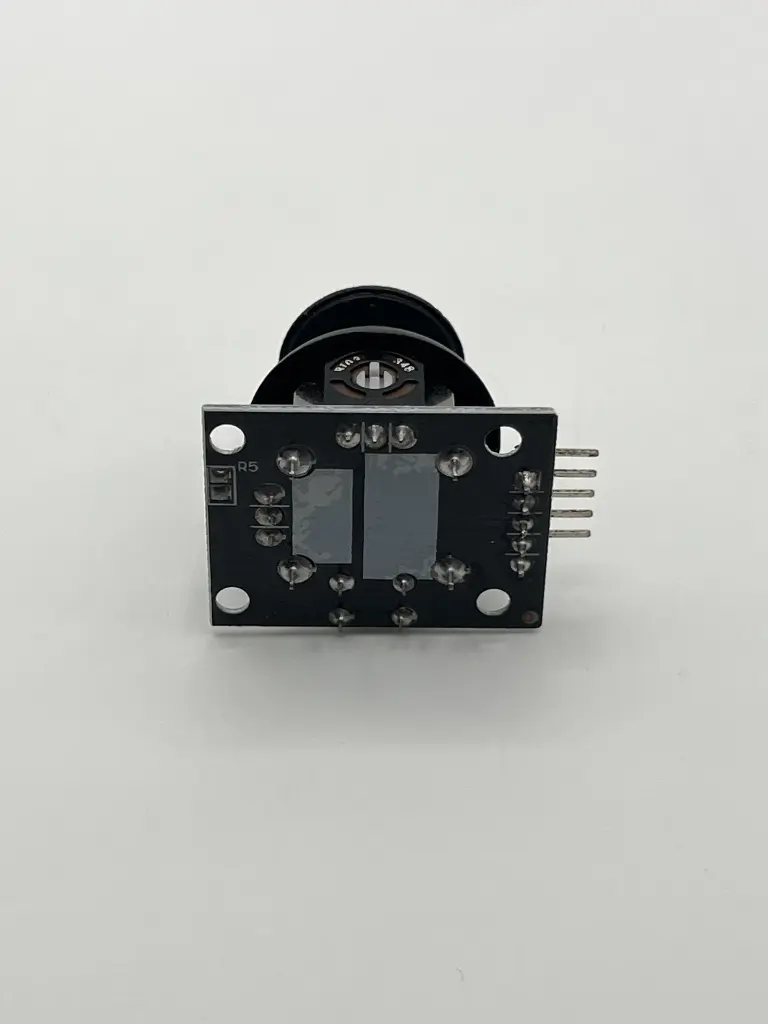
- Connector: Varies (e.g., 3-pin, 4-pin, or a connector compatible with the system it interfaces with)
- Dimensions: Varies based on the model (usually compact and suitable for mounting on a panel or enclosure)
- Operating Voltage: Typically 3.3V to 5V
- Video game controllers
- Robotics and automation systems
- Computer input devices
- Remote control systems
- Navigation and control systems
- Connection: Connect the joystick to the appropriate interface on your system. This may involve wiring analog outputs to an ADC (Analog-to-Digital Converter) or connecting to a dedicated joystick interface.
- Calibration: Calibrate the joystick to ensure accurate readings of its position and button states.
- Integration: Use the joystick input to control or navigate in your application. The X and Y axis outputs correspond to the position of the stick, and button presses can be used for additional control inputs.
- Handle the joystick carefully to avoid physical damage.
- Ensure correct wiring and connections to avoid electrical issues.
- Follow the manufacturer's guidelines for calibration and use.