Description
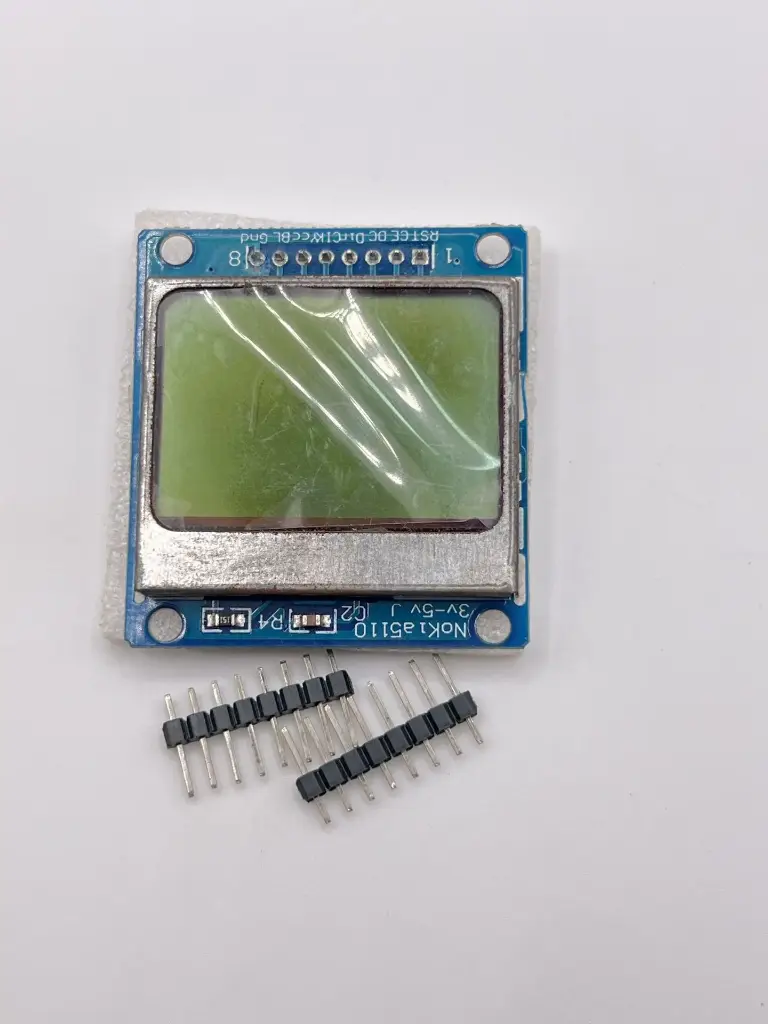
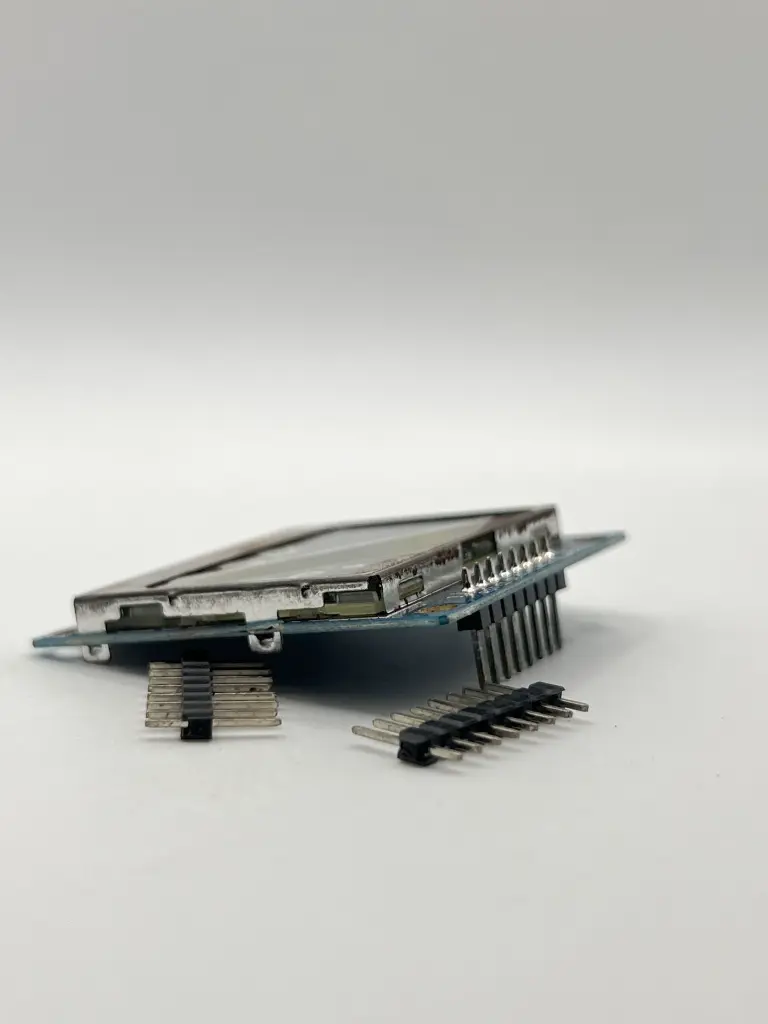
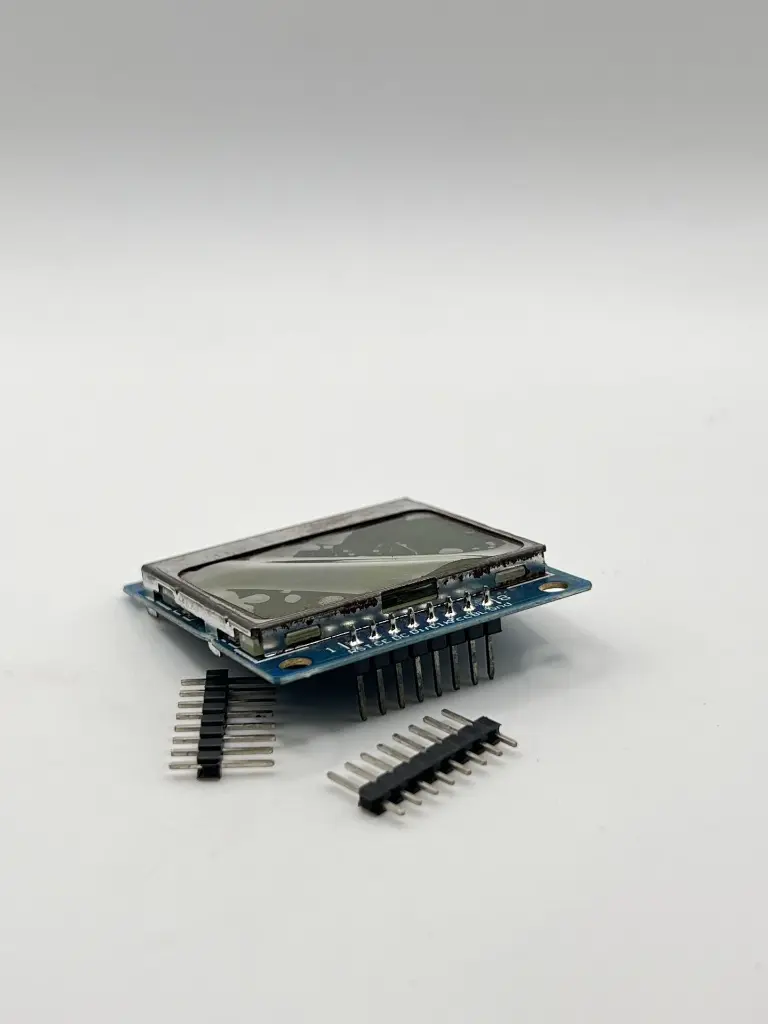
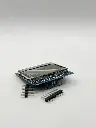
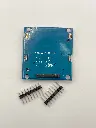
The Nokia 5110 LCD is a basic graphic LCD screen originally intended for use as a cell phone screen. It is a low-cost, easy-to-use display module, perfect for various electronics projects. The LCD features a PCD8544 controller, which can communicate with microcontrollers via an SPI interface
Key Features:
The Nokia 5110 LCD is a basic graphic LCD screen originally intended for use as a cell phone screen. It is a low-cost, easy-to-use display module, perfect for various electronics projects. The LCD features a PCD8544 controller, which can communicate with microcontrollers via an SPI interface. Key Features:
- 84 x 48 pixel resolution
- PCD8544 controller
- SPI (Serial Peripheral Interface) communication
- Low power consumption
- Backlight for enhanced visibility
- Compact size and lightweight
- Suitable for text and simple graphics
- Operating Voltage: 2.7V to 3.3V
- Current Consumption: 6 mA (with backlight on), 0.5 mA (with backlight off)
- Display Resolution: 84 x 48 pixels
- Communication Interface: SPI
- Backlight: LED backlight (white or blue)
- Module Dimensions: 43.6mm x 43.1mm
- Viewing Area: 38mm x 34mm
- Operating Temperature Range: -20°C to +70°C
- DIY electronics projects
- Portable devices
- Wearable electronics
- User interfaces for embedded systems
- Educational tools
- Prototyping and development
- Connection:
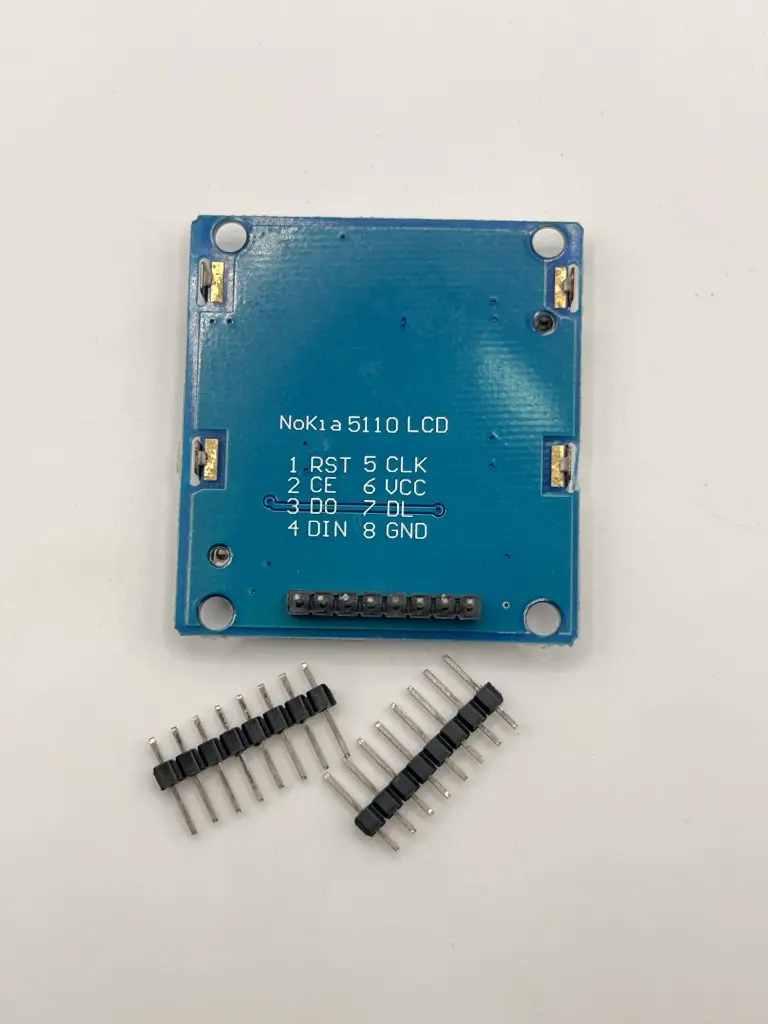
- Connect the VCC pin to a 3.3V power supply.
- Connect the GND pin to ground.
- Connect the SCE (chip enable), RST (reset), D/C (data/command), DN(MOSI) (data input), and SCLK (clock) pins to the corresponding pins on the microcontroller.
- If using the backlight, connect the LED+ pin to a power supply (usually 3.3V) and the LED- pin to ground through a current-limiting resistor.
- Initialization:
- Initialize the display by sending the appropriate commands to the PCD8544 controller via SPI.
- Operation:
- Use the SPI interface to send data and commands to the display.
- Draw text and graphics by manipulating the pixels on the screen.
- Programming:
- Write code on the microcontroller to control the display.
- Many microcontroller platforms, such as Arduino, have libraries available to simplify interfacing with the Nokia 5110 LCD.
- Ensure the supply voltage does not exceed 3.3V to prevent damage to the LCD.
- Handle the module carefully to avoid damage to the display and pins.
- Avoid exposing the LCD to excessive heat or moisture.