
Description
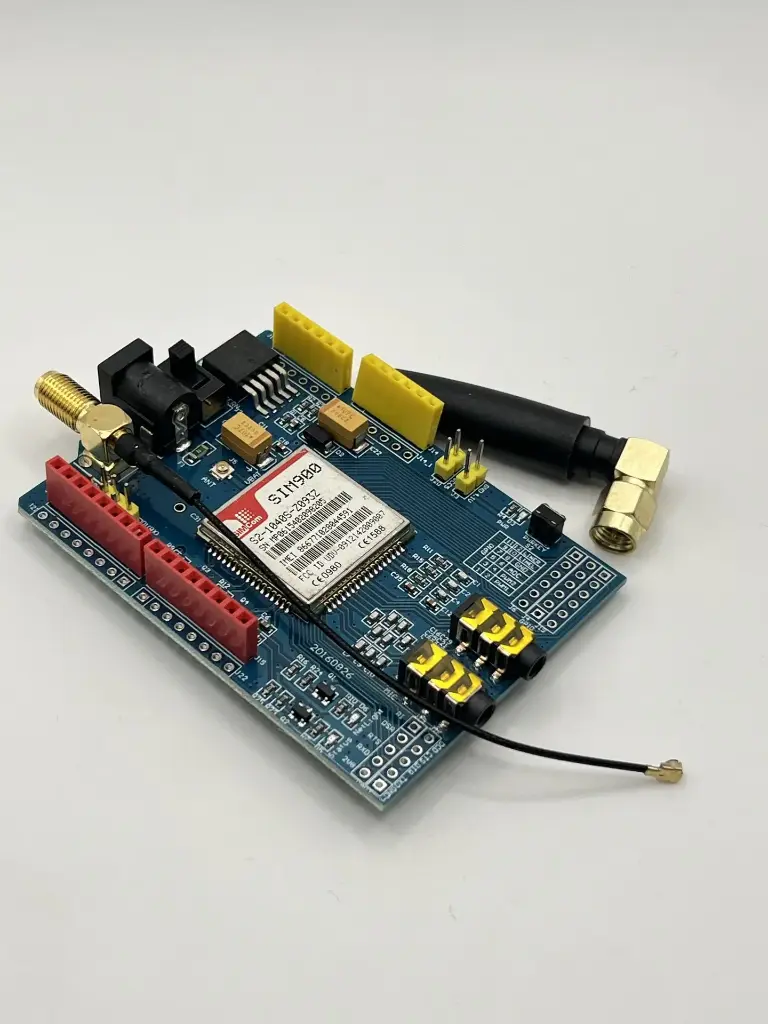
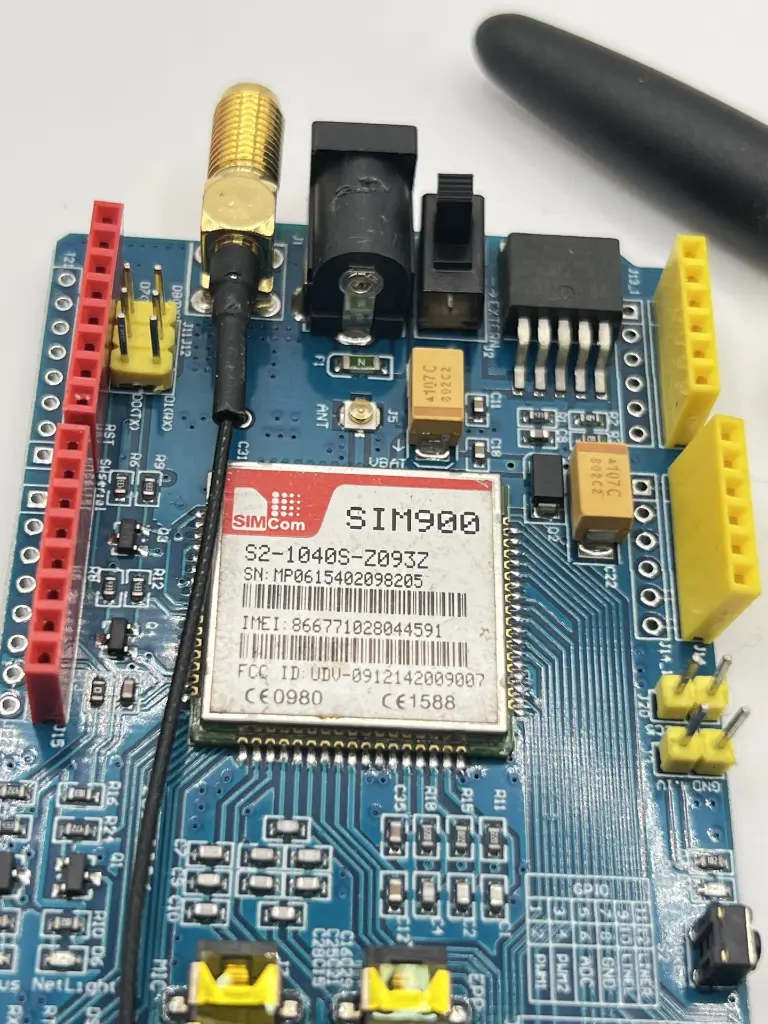
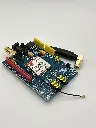
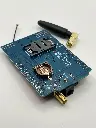
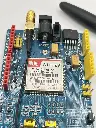
The Simcom SIM900 Shield is a quad-band GSM/GPRS module designed for Arduino and other microcontroller platforms. It adds GSM communication capabilities to your projects, enabling SMS messaging, voice calls, and data transfer over GPRS. Its compact design and standard Arduino shield form factor make it ideal for IoT applications, remote monitoring, home automation, and other communication-based projects.
Key features:
- Quad-band GSM/GPRS: 850/900/1800/1900 MHz
- Supports voice calls, SMS, and GPRS data transfer
- Compatible with Arduino and other microcontroller platforms
- Integrated UART interface for easy serial communication
- Low power consumption for energy-efficient projects
- Compact design with standard Arduino shield form factor
- Built-in antenna connector for reliable signal reception
Specification
- Operating Voltage: 5V (powered from Arduino)
- Power Consumption:
- Idle mode: 1.5 mA
- Active mode: 250 mA (average)
- Peak: 2A
- Communication Protocols: GSM, GPRS (Class 10)
- Data Rates:
- GPRS: Up to 85.6 kbps (uplink/downlink)
- CSD: Up to 14.4 kbps
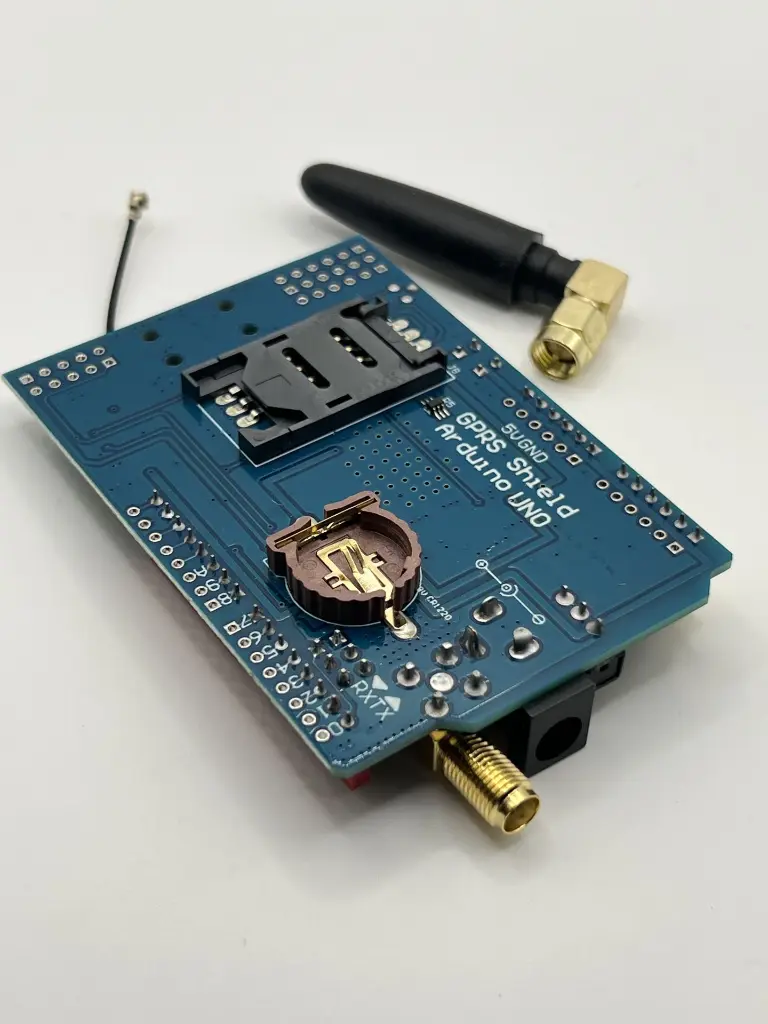
- SIM Card Slot: Standard SIM card
- UART Interface: 9600 to 115200 bps
- Operating Temperature: -40°C to +85°C
- Dimensions: Standard Arduino shield form factor
Application
- IoT projects
- Remote monitoring systems
- Home automation
- Vehicle tracking systems
- Security systems
- SMS-based control systems
- Data logging and telemetry
Usage:
Installation:
- Stack the SIM900 shield onto your Arduino board.
- Insert a standard SIM card into the SIM card slot.
- Connect an external antenna to the antenna connector if needed.
Connection:
- Ensure the shield is properly seated on the Arduino headers.
- Connect the Arduino to a power source and USB for programming.
Programming:
- Use the SoftwareSerial library to communicate with the SIM900 module via Arduino.
- Send AT commands to perform tasks such as sending SMS, making calls, or connecting to the internet.
- Example: Initialize the module and send an SMS.
Troubleshooting:
- Ensure the SIM card is activated and has sufficient credit.
- Check the antenna connection for signal strength.
- Use the AT command AT+CSQ to check signal quality.
Caution:
- Handle the shield carefully to prevent electrostatic discharge (ESD) damage.
- Verify the power supply to avoid module damage.
- Avoid placing the shield in areas with poor signal reception to ensure reliable operation.
Datasheet: For detailed technical specifications, refer to the SIM900 Datasheet.