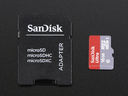

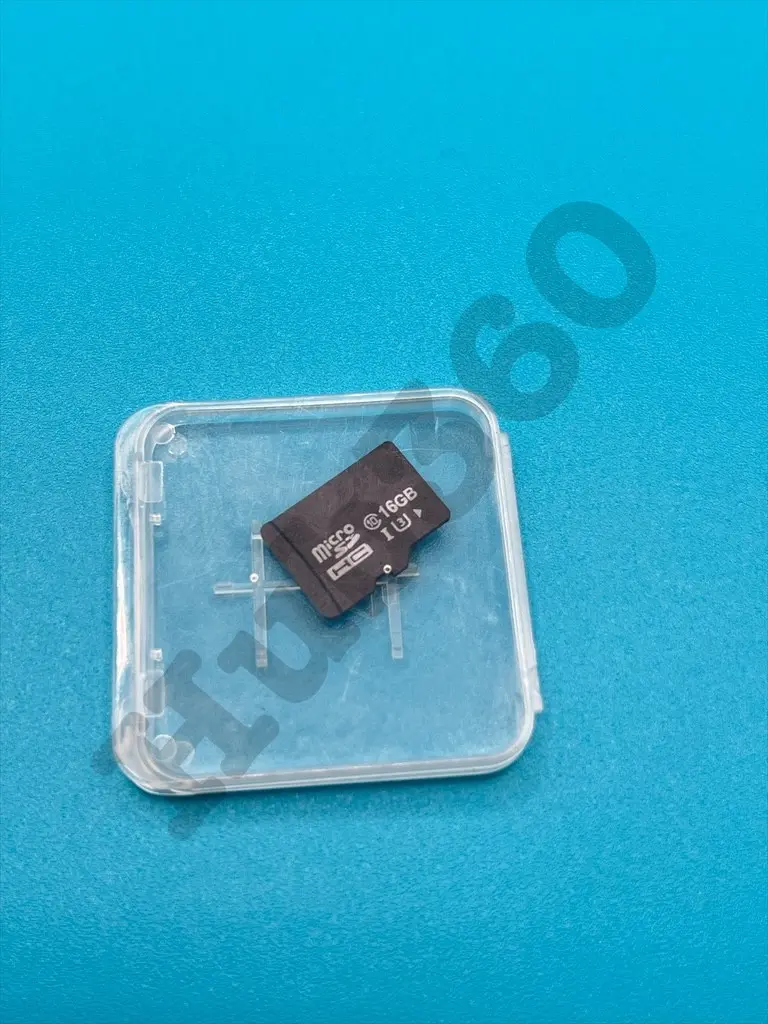
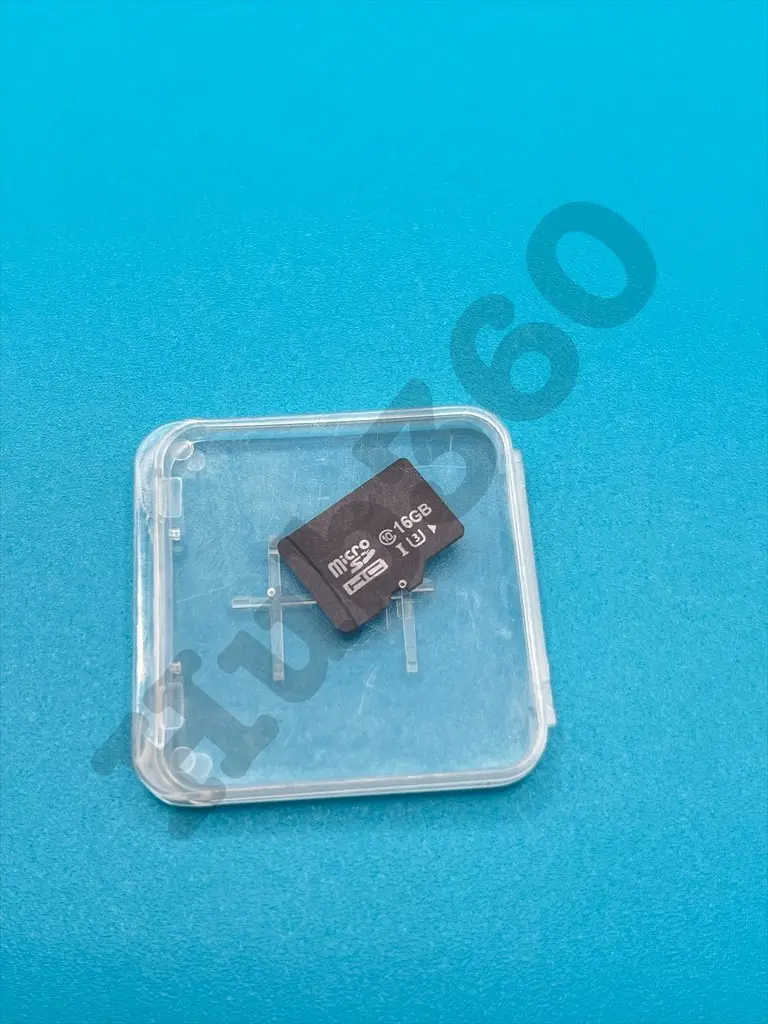
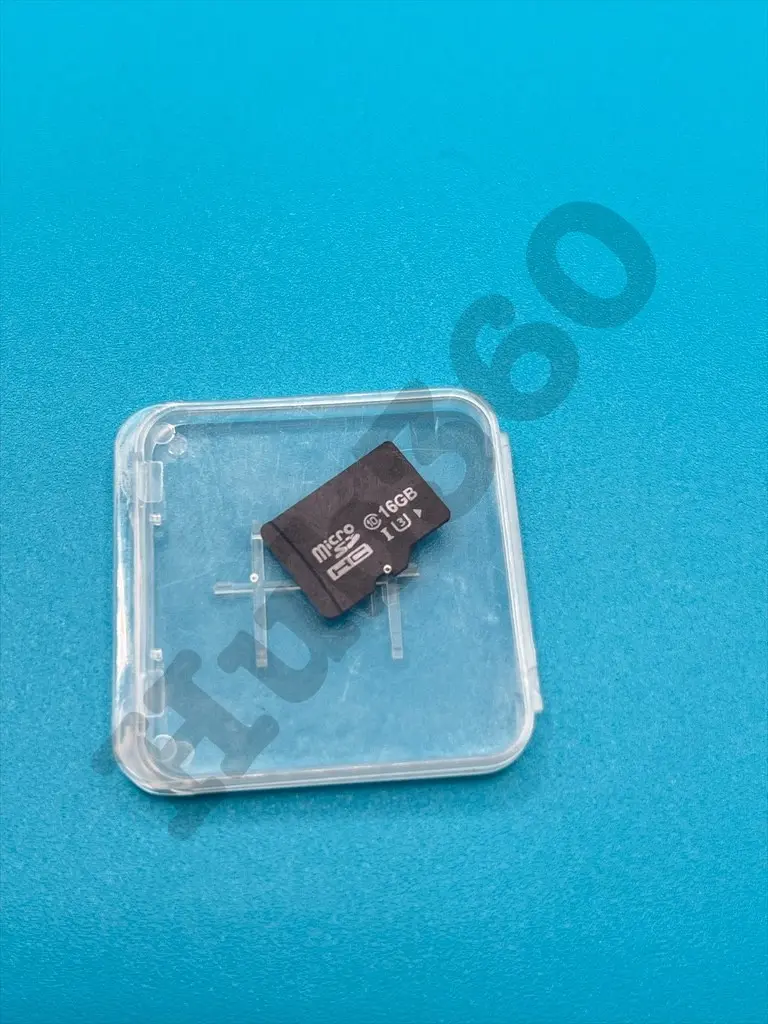
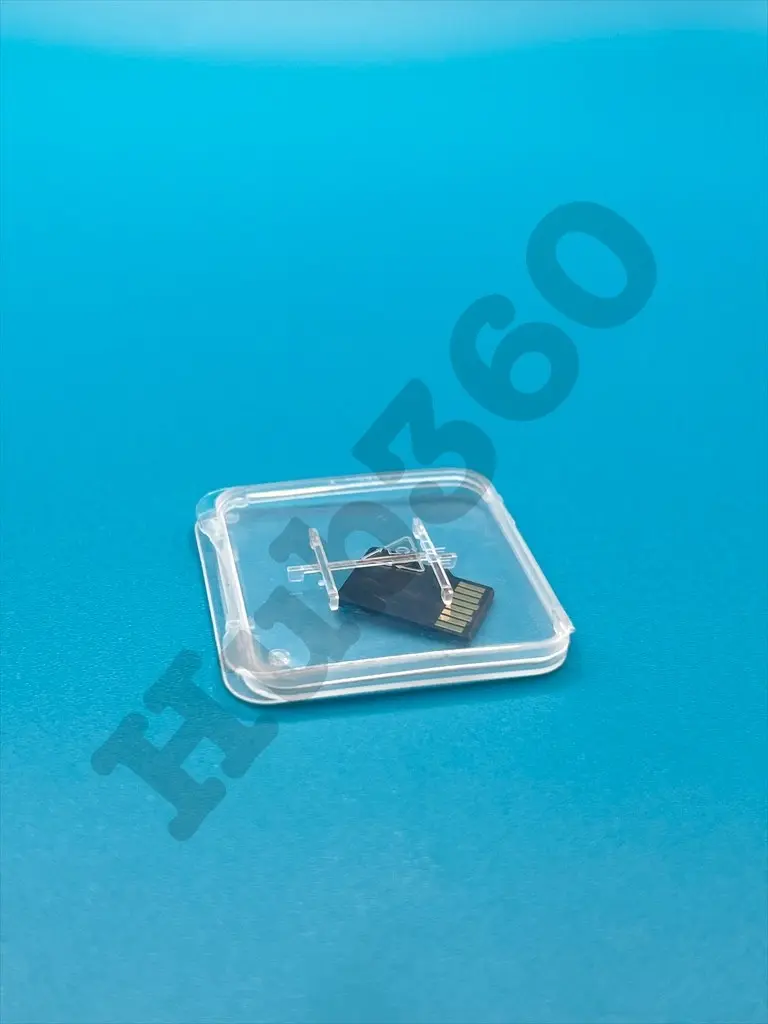




Raspberry pi SD card 16gb
The Raspberry Pi SD Card 16GB is a reliable and high-performance storage solution designed specifically for use with Raspberry Pi single-board computers. This SD card provides ample storage space for your operating system, applications, and data, ensuring smooth and efficient operation of your Raspberry Pi projects. Pre-formatted and ready for immediate use, it simplifies the setup process and enhances the overall user experience.
Key Features:
- Ample Storage: 16GB capacity for operating system, applications, and data
- High Performance: Fast read and write speeds for efficient data access and transfer
- Pre-Formatted: Ready for immediate use with Raspberry Pi
- Reliable and Durable: Built to withstand frequent read/write cycles and harsh conditions
- Compatible: Works seamlessly with all Raspberry Pi models with an SD card slot
- Storage Capacity: 16GB
- Card Type: microSDHC (Secure Digital High Capacity)
- Speed Class: Class 10 or UHS-I (varies by model)
- Read Speed: Up to 100 MB/s (varies by model)
- Write Speed: Up to 30 MB/s (varies by model)
- File System: Pre-formatted (usually FAT32 or exFAT)
- Dimensions: Standard microSD card size
- Operating Temperature Range: -25°C to +85°C
- Durability: Shockproof, waterproof, and X-ray proof
- Operating system storage for Raspberry Pi
- Data storage for applications and projects
- Media storage for videos, music, and photos
- Backup and recovery of Raspberry Pi systems
- DIY electronics and embedded systems projects
- Insert the 16GB microSD card into the SD card slot of your Raspberry Pi.
- If not pre-installed, download and write the desired operating system image to the SD card using a computer.
- Power on your Raspberry Pi to boot from the SD card.
- Use the SD card for storing applications, data, and media as needed.
- Handle the SD card with care to avoid physical damage.
- Keep the SD card in a dry and cool place to maintain its longevity.
- Avoid removing the SD card while the Raspberry Pi is powered on to prevent data corruption.
- Backup important data regularly to prevent loss.